Skip to content

TermBeam

Beam your terminal to any device — no SSH, no config, one command.

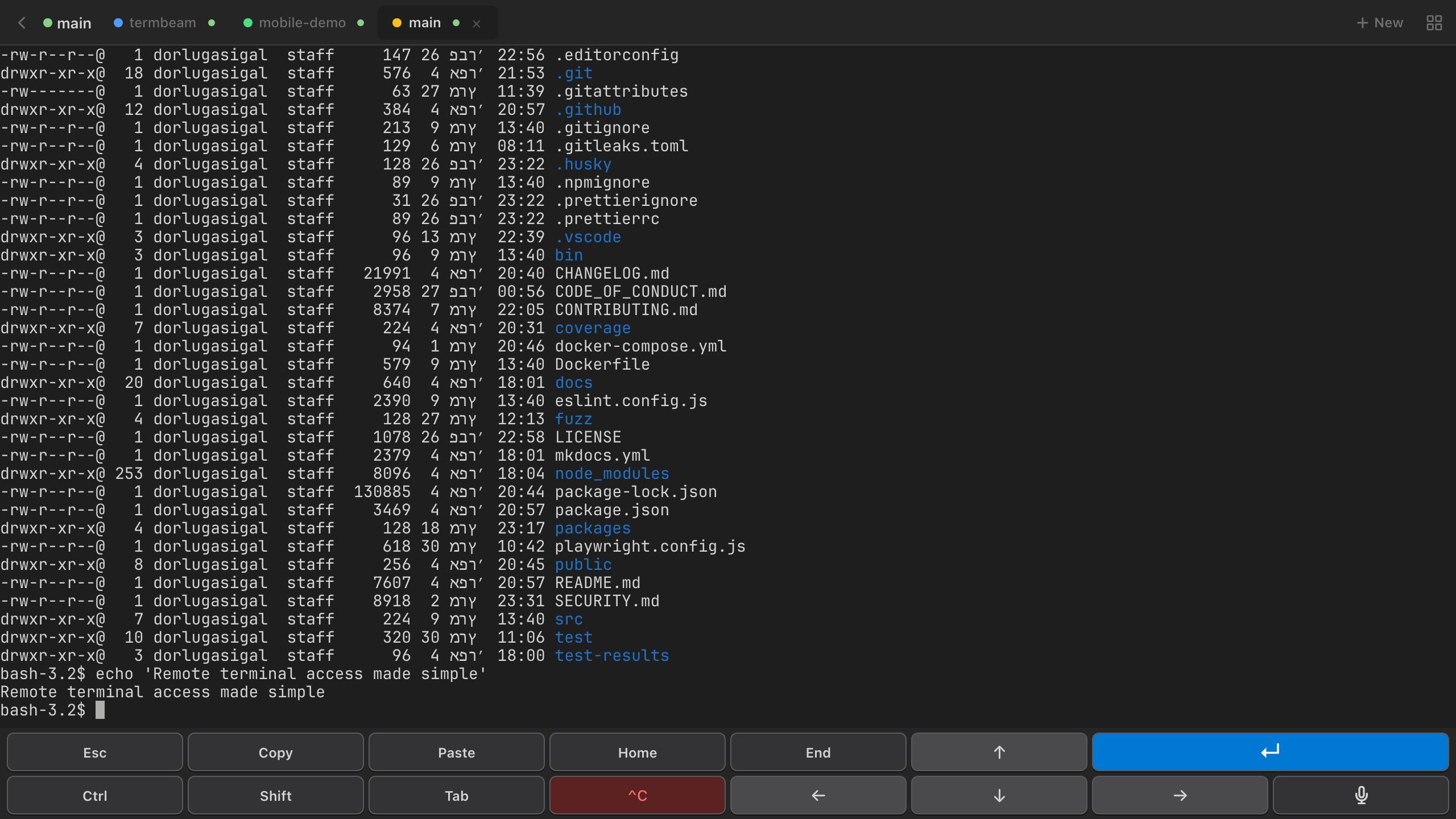
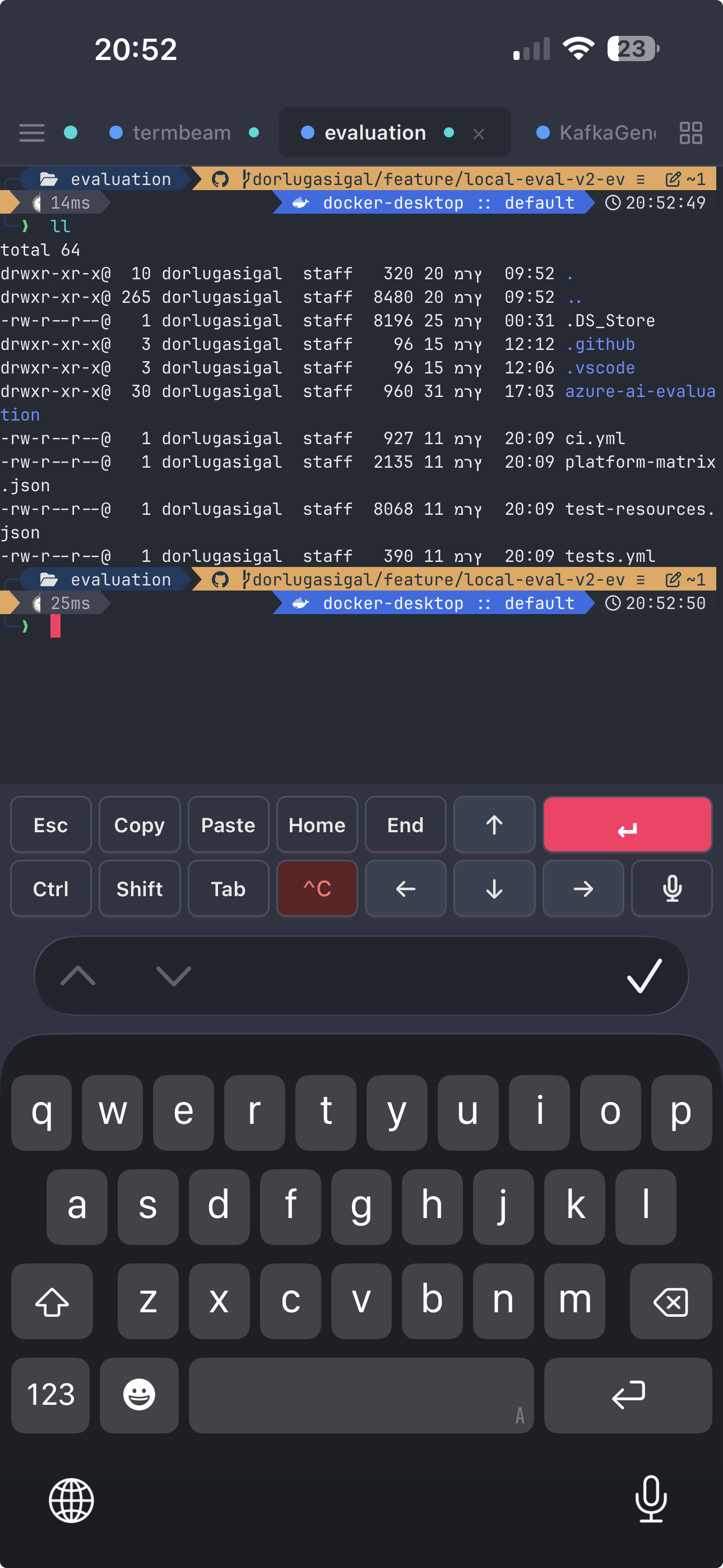
TermBeam is a mobile-optimized web terminal that lets you access your terminal from your phone, tablet, or any browser. It supports multiple sessions, touch-friendly controls, and works over a secure tunnel — all from a single npx command.

Built for developers who need quick remote terminal access without the hassle of SSH clients on mobile.

Why TermBeam?

Mobile-First

  • No SSH client needed — just open a web browser on any device
  • Touch-optimized key bar — arrows, Tab, Enter, Ctrl, Esc, and more
  • Copy & paste — text overlay for finger selection + clipboard API with fallback
  • Swipe scrolling, pinch zoom, and iPhone PWA safe-area support
  • Image paste from clipboard, uploaded to server

Multi-Session

  • Tabbed sessions — switch, reorder, and manage multiple terminals
  • Split view — two sessions side-by-side (horizontal desktop / vertical mobile)
  • Session colors & activity indicators for at-a-glance status
  • Tab previews on hover or long-press; side panel on mobile
  • Folder browser and optional initial command per session

Productivity

  • Terminal searchCtrl+F / Cmd+F with regex support
  • Command paletteCtrl+K / Cmd+K for quick access to all actions
  • File upload — send files from your phone to the session's working directory via the command palette
  • File browser & download — browse files in a session's working directory from the side panel and download them to your device
  • Markdown viewer — preview .md files rendered with GitHub Flavored Markdown directly in the browser
  • Command completion notifications — browser alerts when commands finish in background tabs
  • 30 color themes (dark, light, monokai, nord, dracula…) with adjustable font size
  • Port preview — reverse-proxy a local web server through TermBeam
  • Share & refresh actions for easy link sharing and PWA cache updates

Secure by Default

  • One command to startnpx termbeam
  • Password auth with auto-generation, rate limiting, and httpOnly cookies
  • QR code auto-login with single-use share tokens (5-min expiry)
  • Shell validation — only detected shells are allowed
  • Interactive setup wizard — run termbeam -i for guided configuration

Quick Start

npx termbeam

Scan the QR code printed in your terminal, or open the URL on your phone. That's it.

How It Works

TermBeam starts a lightweight web server that:

  1. Spawns a PTY (pseudo-terminal) process with your shell
  2. Serves a mobile-optimized web UI via Express
  3. Bridges the browser and PTY via WebSocket
  4. Renders the terminal using xterm.js
flowchart LR
  A["Phone<br>(Browser)"] <-->|WebSocket| B["TermBeam<br>(Server)"]
  B <-->|PTY| C["Shell<br>(zsh/bash)"]

Learn More

  • Getting Started — install and run TermBeam in under a minute
  • Usage Guide — tabs, split view, search, touch controls, and more
  • Configuration — CLI flags, environment variables, and defaults
  • Security — threat model, safe usage, and security features
  • API Reference — REST and WebSocket API documentation
  • Architecture — how TermBeam works under the hood