01
One command, instant access
Run npx termbeam → scan QR → done. No SSH keys, no port forwarding, no config files.
One command turns your terminal into a secure, mobile-optimized web app.No SSH, no port forwarding — just scan the QR code.
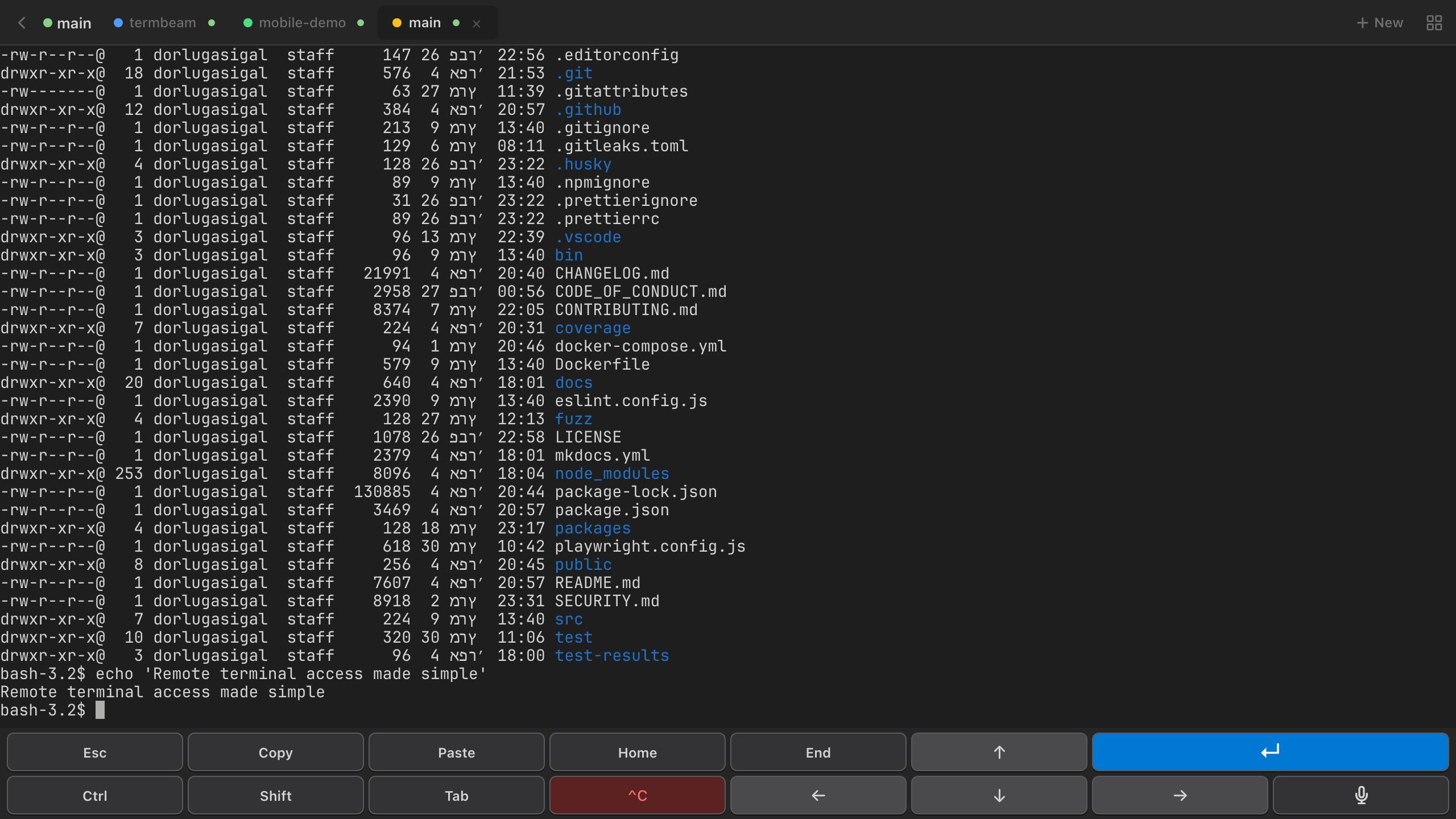
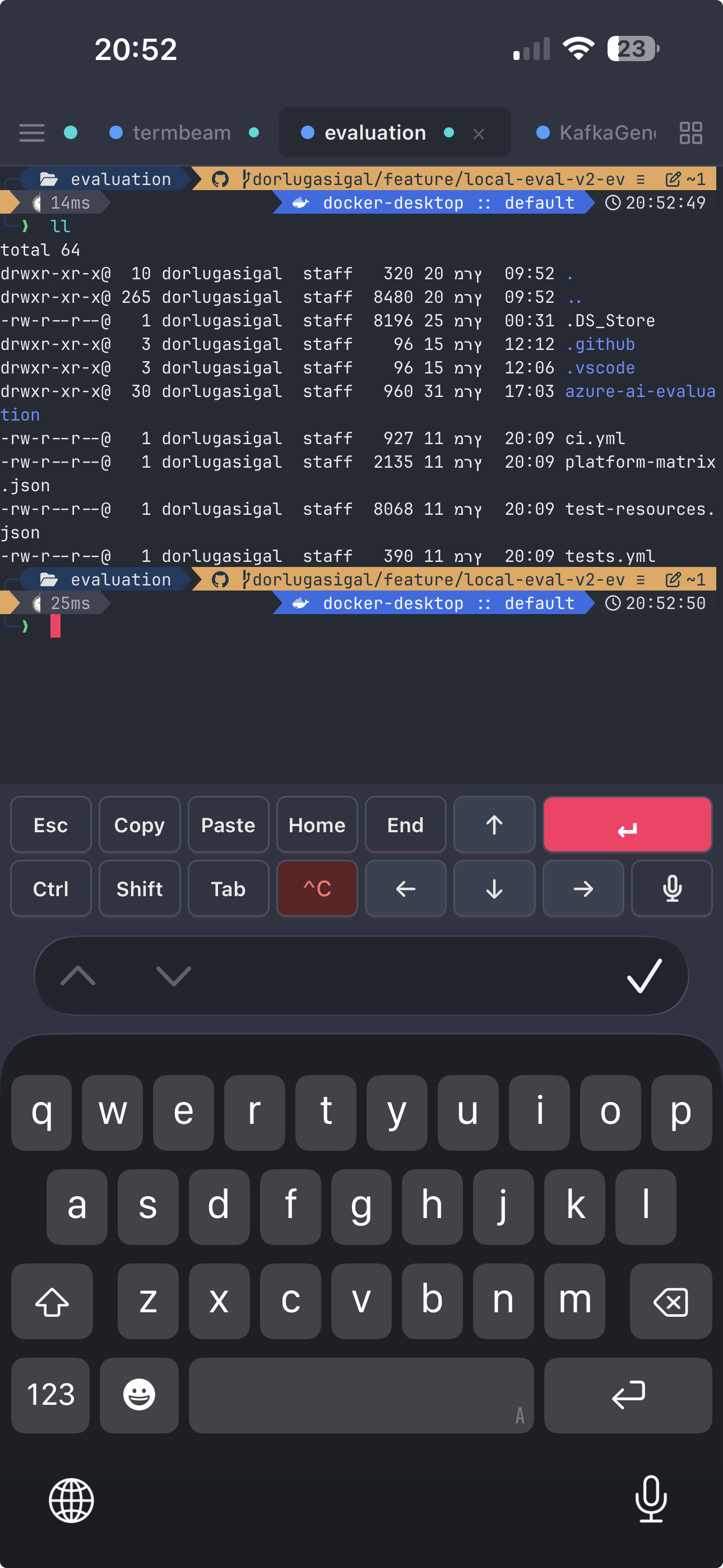
Run npx termbeam → scan QR → done. No SSH keys, no port forwarding, no config files.
Launch GitHub Copilot, Claude Code, or OpenCode right from the new session modal. Your AI pair programmer, one click away.
Purpose-built touch bar with every key you need — Ctrl, Alt, Tab, arrows. Swipe gestures and a UI that feels native on mobile.
Tap the mic and dictate commands with your voice. Lock it on with a swipe — hands-free terminal on the go.
Tabs, split view, drag to reorder. Manage multiple sessions like a pro — all in your browser.
Dracula, Nord, Cyberpunk, Catppuccin, Tokyo Night — pick a theme and the entire UI transforms instantly. Your choice persists across sessions.
npx termbeam starts a secure server and generates a public URL + QR code.
Point your phone camera at the screen. The QR code includes the password — zero typing needed.
A full terminal in your browser — with touch bar, tabs, file browser, and everything you need.
npx termbeamInstall in seconds. No account, no signup, no credit card — justnpx termbeam and go.